Understanding Network Devices
I am a developer from India.
We enter the URL in the browser, and it shows the webpage. How?
It happens through a lot of hardware devices, each with a clear job. From the internet to your laptop’s Wi-Fi, data passes through several pieces of equipment - each shaping, securing, and directing the flow.
Even if you write software, understanding this physical layer helps you design better systems, debug network issues faster, and appreciate how your applications truly reach users.
Let’s walk through the journey—from the internet to your device—and meet the hardware that makes it all possible.
The Big Picture: Internet → Your Device
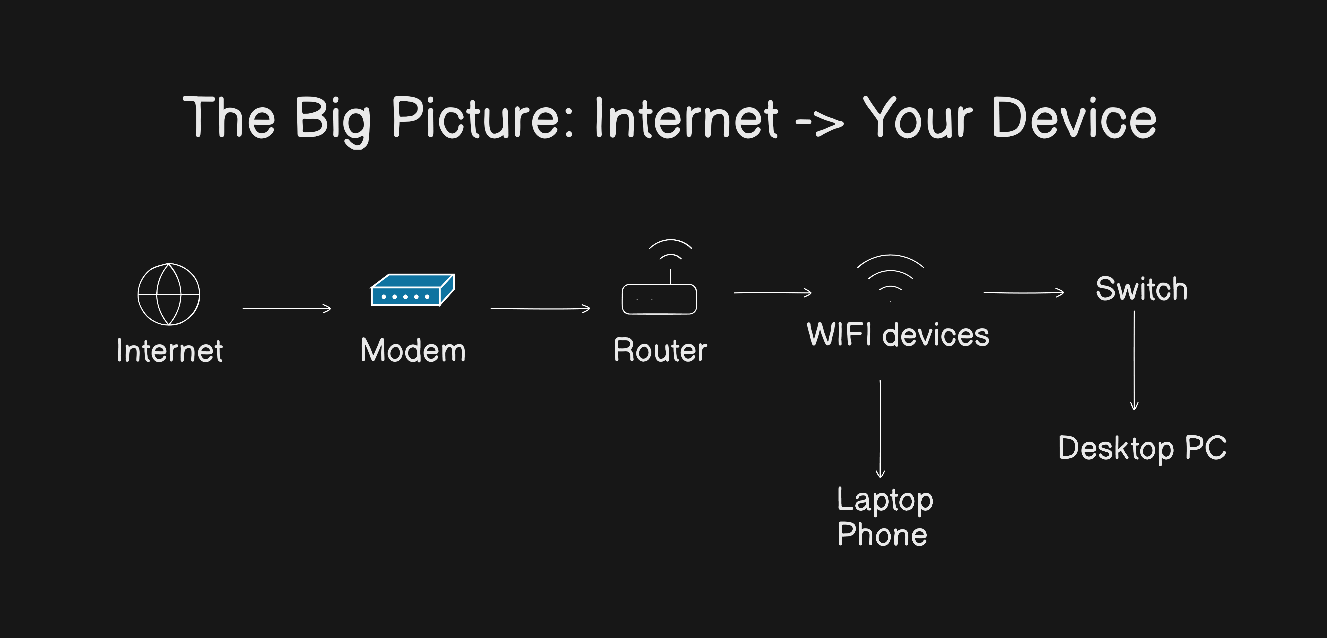
Imagine the internet as a global postal system. When someone requests your web app, their request travels like a letter:
It leaves their device.
It goes through city, regional, and national networks.
It finally arrives at your building (home or data center).
Then, it must be delivered to the right room (your server).
To make this work, you need:
A gateway to connect your building to the postal network (the modem)
A mailroom clerk who sorts incoming mail to the right office (the router)
An internal intercom system to pass messages between desks (the switch)
A security guard checks every package (the firewall)
And if you get lots of mail, a distribution manager to balance the load (the load balancer)
Now, let’s meet each one.
1. Modem
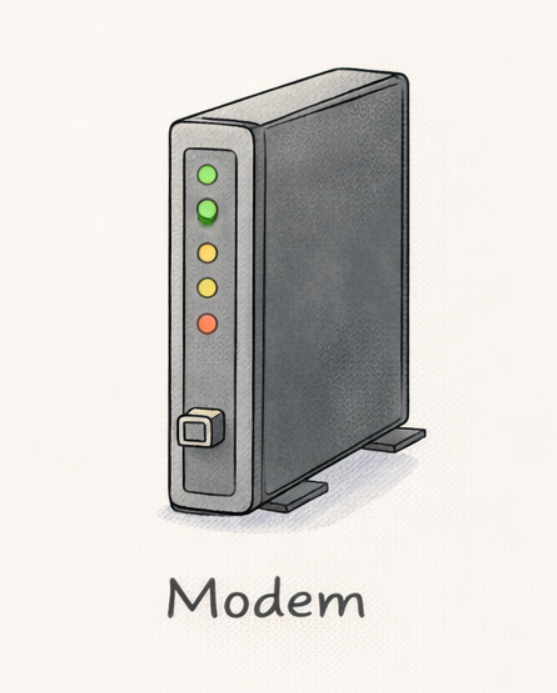
What it does: Connects your local network to the internet service provider (ISP).
How it works:
Your ISP sends data over cables (fiber or DSL). But these signals aren’t in a format your devices understand. The modem (short for modulator-demodulator) translates between:
The analog or optical signal from your ISP
Digital data your network can use
A modem only gives one device direct internet access. To share that connection with phones, laptops, and smart fridges, you need a router.
2. Router: The Traffic Director
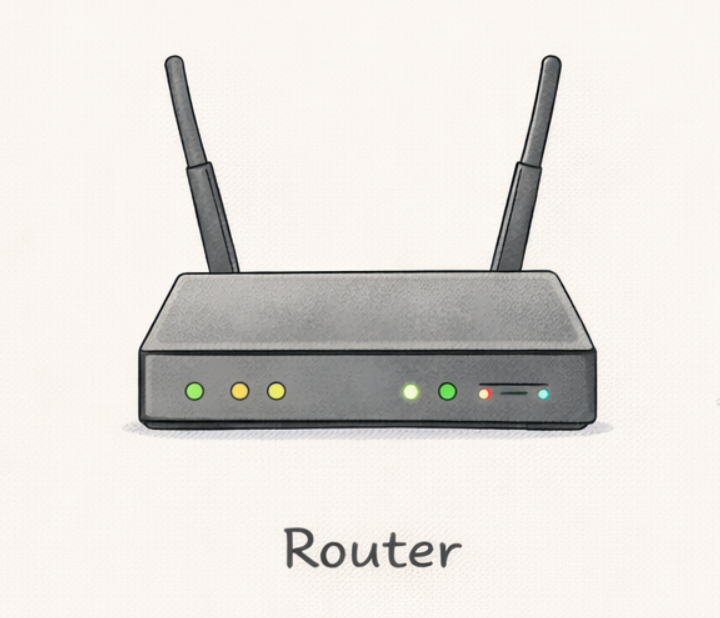
What it does: Assigns local addresses (like 192.168.1.5) and routes traffic between your local network and the internet.
How it works:
The router uses NAT (Network Address Translation) to let multiple devices share one public IP address. When your laptop requests google.com:
The router notes: “This request came from device 192.168.1.5”
It forwards the request using the public IP
When Google replies, the router sends the response back to the right device
For software engineers: This is why your local dev server (localhost:3000) isn’t visible online—unless you configure port forwarding on the router.
3. Switch vs Hub: How Local Networks Actually Work
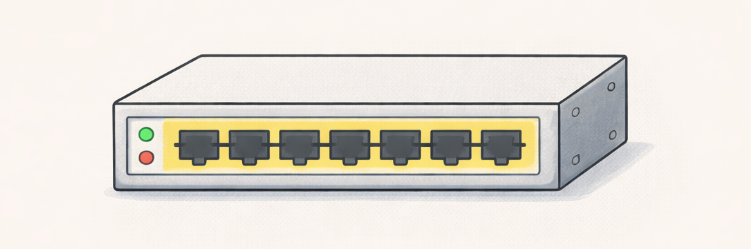
Both connect multiple devices on the same network—but very differently.
Hub (Old & Inefficient)
Receives data on one port
Broadcasts it to ALL other ports
Every device gets every message—even if it’s not for them
Causes congestion and security risks
Analogy: A hub is like shouting in a crowded room: “Hey, Priya!”—and everyone hears it, even Rahul and Sam.
Switch (Modern Standard)
Learns which device lives on which port (using MAC addresses)
Sends data only to the intended recipient
Faster, more secure, and efficient
Analogy: A switch is like a smart intercom: it whispers directly to Priya’s desk without disturbing others.
4. Firewall: The Security Gatekeeper
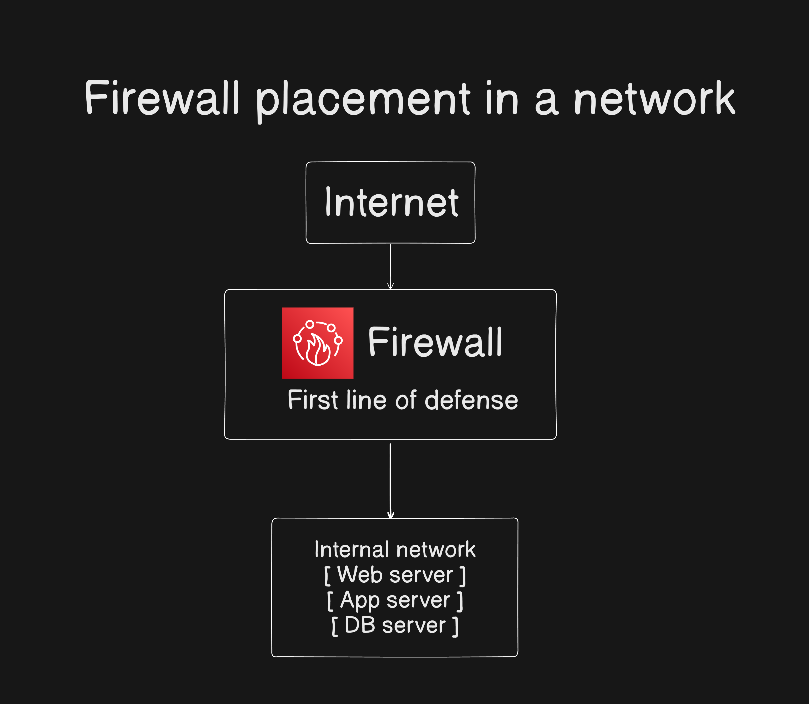
What it does: Filters incoming and outgoing traffic based on rules (e.g., “block port 22 from unknown IPs”).
How it works:
A firewall inspects packets and decides:
Allow or deny based on source/destination IP, port, protocol
Prevent unauthorized access (e.g., hackers trying to SSH into your server)
Enforce security policies
Analogy: A firewall is a security checkpoint at a corporate campus. Visitors must show ID, state their purpose, and get approved before entering.
Placement: Firewalls sit between untrusted networks (internet) and trusted ones (your servers). Often built into routers—but enterprise setups use dedicated hardware or cloud-based firewalls.
For developers: Misconfigured firewalls are a top cause of “my app works locally but not in production.”
5. Load Balancer: The Scalability Engine
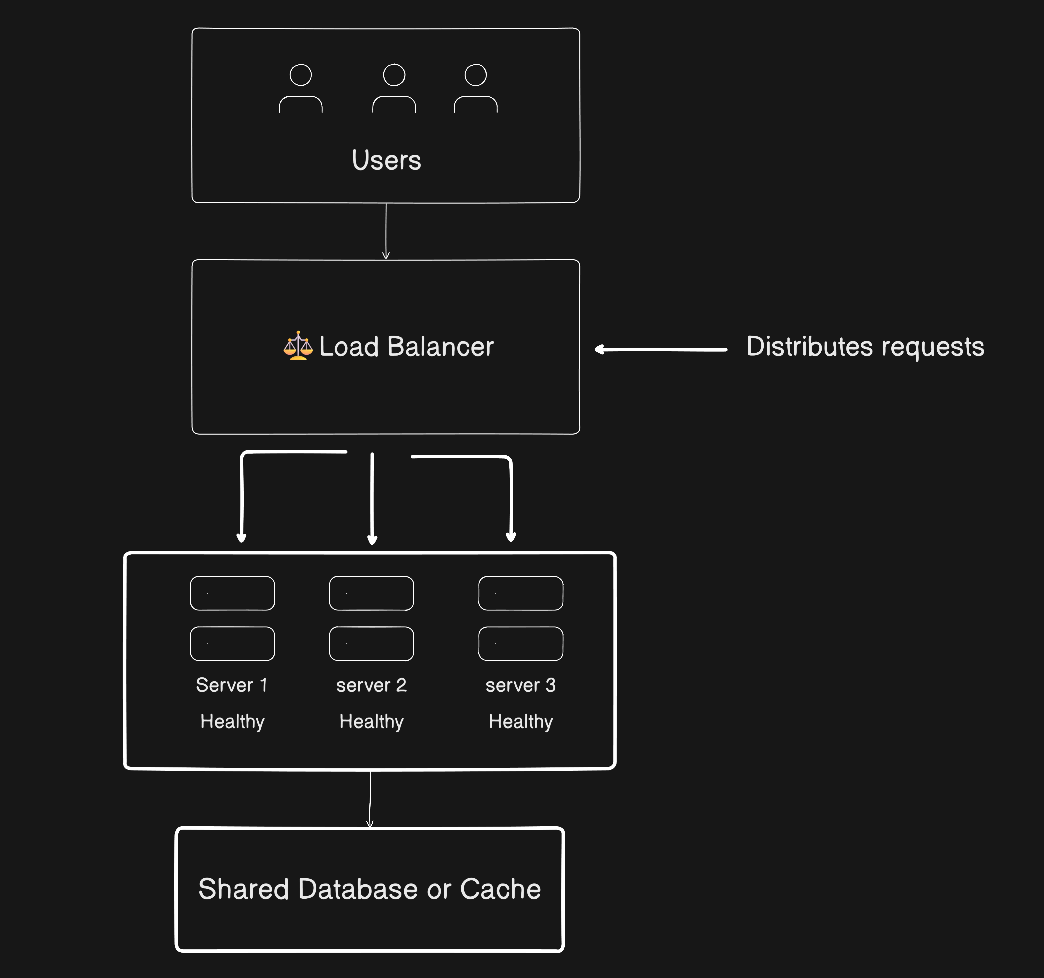
What it does: Distributes incoming traffic across multiple servers to ensure no single server gets overwhelmed.
How it works:
When 10,000 users hit your app:
The load balancer receives all requests
It routes each to a healthy backend server (using algorithms like round-robin or least connections)
If a server fails, it stops sending traffic there
Types:
Hardware: F5, Citrix (in data centers)
Software: NGINX, HAProxy
Cloud: AWS ALB, Google Cloud Load Balancing
Why scalable systems need it: Without a load balancer, your app crashes under traffic spikes. With it, you can scale horizontally—adding more servers as demand grows.
Why This Matters to Software Engineers
You might never touch a physical router—but these concepts shape your daily work:
Networking bugs: Timeouts, connection refused errors? Could be firewall rules or NAT issues.
Deployment design: Knowing where load balancers sit helps you configure health checks, SSL termination, and sticky sessions.
Security: Understanding network layers informs zero-trust architectures and micro-segmentation.
Cloud infrastructure: Services like AWS VPC, Azure VNets, and GCP VPCs mirror this physical hierarchy—just virtualized.
In short: your code runs on machines that live inside this network stack. The better you understand the plumbing, the better you build the product.
Final Thought
From the modem to the load balancer routing millions of requests per second - each device plays a critical role.
And as a developer, you don’t need to be a network engineer—but speaking the language of routers, firewalls, and switches makes you a more complete, effective engineer.
After all, the internet isn’t just code. It’s computer + code + wires —working together, one packet at a time.